
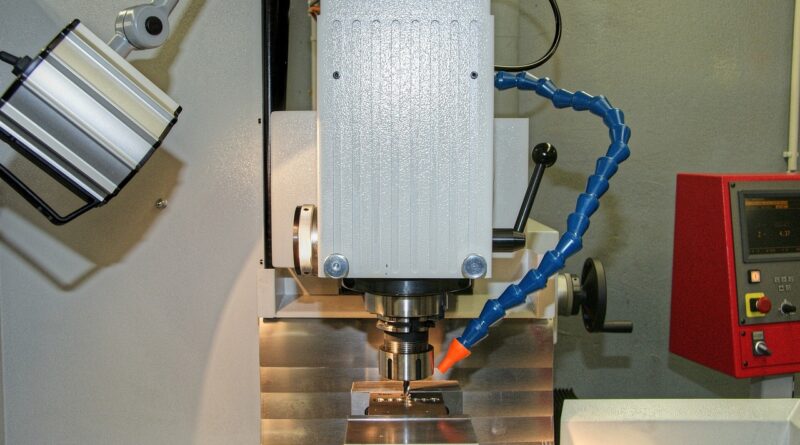
Fanuc CNC controls explained for machine shops and OEM buyers
What a Fanuc CNC means in practical terms
A Fanuc CNC is the control platform that reads part programs, coordinates servo motion, manages spindle and auxiliary functions, and gives operators the interface they use to run a machine tool. For machine shops, the key question is not only whether a machine has Fanuc on the front panel. The value depends on the control family, the number of axes and paths, the options enabled by the machine builder, the servo system, networking functions, and how well the control fits daily programming, setup, monitoring, and maintenance work.
Fanuc’s current CNC lineup includes established platforms such as the Series 0i-F Plus and 30i/31i/32i-B Plus, along with the newer Series 500i-A family for higher-performance and more digitally integrated machines.
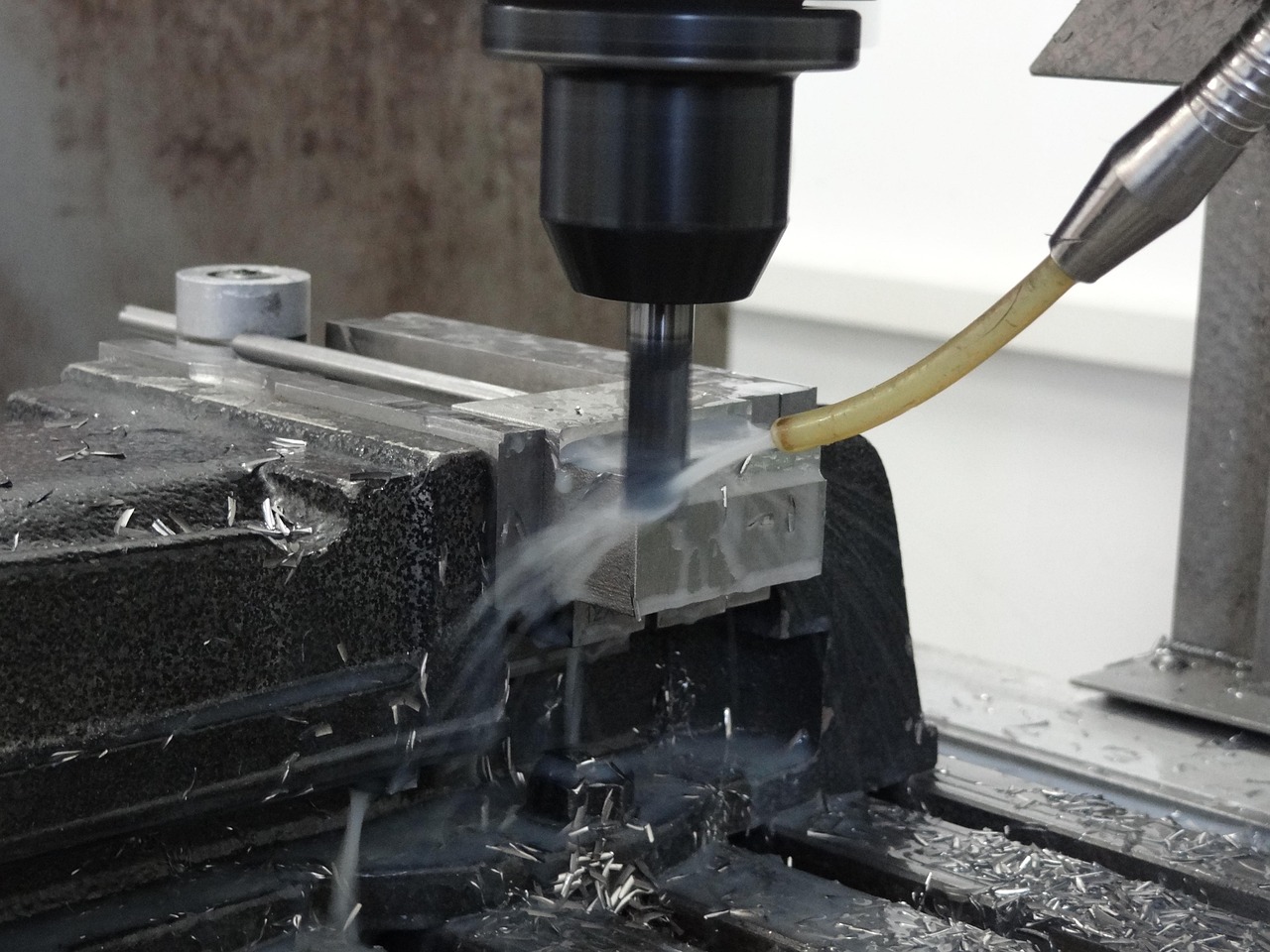
For buyers comparing controls across machine tools, the best starting point is application fit: simple turning, 3-axis milling, multi-path turning, 5-axis machining, grinding, transfer lines, or special-purpose motion. A control that is well matched to one machine category may be unnecessarily complex, or not capable enough, for another.
Why Fanuc CNC controls remain central in machining
Fanuc controls are widely used on lathes, machining centers, grinders, EDM-related equipment, transfer machines, and other production systems. Their importance comes from the combined role of control hardware, servo drives, motors, operator interface, programming functions, diagnostics, and integration tools. In production, those elements affect uptime, cycle-time consistency, part quality, training requirements, and how quickly technicians can diagnose faults.
For a broader view of manufacturing processes and machine tool applications, see Mechmeld’s CNC machining section.
Workforce familiarity is one reason many shops pay close attention to the control brand. Operators and programmers who know Fanuc-style G-code, offsets, macro variables, alarms, and parameter structures can often move more easily between machines. Even so, each machine builder may configure screens, options, M-codes, safety logic, and ladder functions differently. Two machines with the same control family can still behave differently during setup, probing, tool management, or automation.
The practical takeaway is straightforward: the badge matters, but the complete machine configuration matters more. Buyers should review the exact control model, software options, servo package, documentation, postprocessor support, and service access before assuming all Fanuc-equipped machines will deliver the same operating experience.
Main Fanuc CNC control families to know
Fanuc’s published CNC portfolio includes several families for different levels of machine complexity. The names can look similar, but they point to different capacities and priorities.
Series 0i-F Plus
The Series 0i-F Plus is positioned as a standard CNC for a broad range of machine tools. Public Fanuc literature describes it with features such as iHMI, Fanuc Picture, customization functions, and control technologies aimed at cycle time. In shop-floor terms, this family is often associated with mainstream turning centers, vertical machining centers, and other machines where reliability, familiar operation, and cost-effective capability are more important than extreme multi-axis or multi-path capacity.
For many job shops, this is the type of Fanuc CNC they are most likely to see on everyday equipment. It can support modern operation screens and useful machining functions, but the actual capability still depends on the machine builder and the options purchased. Buyers should not assume that every 0i-F Plus machine has the same probing cycles, conversational functions, networking options, or automation interfaces.
Series 30i/31i/32i-B Plus
The Series 30i/31i/32i-B Plus family is aimed at more demanding machine tools. Fanuc describes this high-end series as having enhanced basic functions, improved ease of use, multi-function Ethernet, high-speed CPUs in the 30i and 31i-B Plus models, and control technologies intended to improve machining quality and reduce cycle time. Fanuc America’s published specifications for the 30i/31i/32i Model B series list high-end capacities including up to 96 axes, 24 spindle axes, and 15 paths, depending on model and configuration.
This family is relevant when a machine needs complex synchronization, multi-path control, advanced 5-axis functions, high-speed machining, or integration with demanding production systems. Typical applications include multi-axis machining centers, multi-turret lathes, gear cutting machines, transfer machines, and specialty equipment.
Series 500i-A
The Series 500i-A is Fanuc’s newer-generation CNC family. Fanuc America announced the 500i-A on August 27, 2024, ahead of its display at IMTS 2024. Public product materials describe it as a control platform for advanced machines, with 5-axis integrated technology, digital twin support, updated hardware and software, enhanced UI/UX, stronger data and network functions, and tools for machine tool builders.
Fanuc’s Series 500i-A literature identifies models such as 501iS-A, 501i-A, 502iS-A, 502i-A, and 503i-A. Published specifications show a wide range, from compact configurations to models supporting 96 controlled axes and 15 paths. That does not mean every 500i-A machine will use those upper limits; it means the family covers a broader span of machine complexity than a single model name suggests.
What changed with newer Fanuc CNC platforms
A modern Fanuc CNC is no longer only a motion controller with an operator panel. It is increasingly part of a connected manufacturing platform. Public Fanuc materials around the 500i-A emphasize digital twin workflows, machine builder development tools, customizable user interfaces, network access, and secure data management. For shops and OEMs, this affects how machines are designed, commissioned, operated, and maintained.
Digital twin and simulation functions are especially relevant for complex machines. They can help machine builders and users evaluate machine behavior in a virtual environment before or alongside physical testing. They do not replace real prove-out, fixturing checks, tool verification, or safety validation, but they can reduce uncertainty when machines have complex kinematics or 5-axis motion.
User interface development is another area of change. Fanuc’s newer literature highlights iHMI, iHMI 2, Fanuc Picture, and Fanuc Picture 2, depending on the control generation. The practical goal is to give builders more freedom to create application-specific screens and help operators reach key functions more quickly. In a high-mix shop, a clearer interface can reduce setup mistakes. For an OEM, customized screens can make a special-purpose machine easier to sell, support, and maintain.
Connectivity has also moved from an optional convenience to an operational requirement. Machine monitoring, program transfer, data backup, alarm review, and production visibility all depend on how well the control communicates with other systems. Fanuc’s published ecosystem includes tools such as MT-LINKi, FIELD system-related functions, FOCAS-based connectivity, MTConnect and OPC UA compatibility in certain contexts, and machine monitoring options. The right method depends on the machine fleet, IT policy, data requirements, and cybersecurity rules.
How to compare Fanuc CNC options before buying a machine
A useful comparison should start with the work the machine must perform, not with the control model alone. The table below summarizes practical selection questions for shops and OEM buyers. See also: CNC Programming.
| Selection area | What to check | Why it matters |
|---|---|---|
| Machine complexity | Axes, spindles, paths, turrets, rotary tables, and synchronized functions | Determines whether a standard control is enough or a high-end multi-path platform is needed |
| Machining type | Turning, milling, mill-turn, grinding, 5-axis, gear cutting, transfer, or special-purpose motion | Different applications require different interpolation, compensation, and interface functions |
| Programming workflow | CAM postprocessor support, macro use, canned cycles, probing, conversational guidance, and simulation | Affects setup time, operator training, and program reliability |
| Shop-floor integration | Ethernet, monitoring software, data collection method, program management, and remote diagnostics | Supports production visibility, maintenance planning, and traceability |
| Service and support | Local OEM support, Fanuc service availability, spare parts strategy, manuals, and technician familiarity | Reduces downtime risk over the machine’s service life |
| Enabled options | Purchased software functions, safety features, interface packages, and automation options | Many capabilities are option-dependent and cannot be assumed from the panel name |
For machine shops, a common buying mistake is focusing only on maximum specifications. A small shop running 3-axis prismatic parts may gain more from familiar operation, strong local service, reliable probing, and simple program transfer than from high-end multi-path capacity. A production OEM, by contrast, may need advanced control architecture, custom screens, multiple channels, integrated safety, and deeper data access.
The same caution applies to used machines. An older Fanuc CNC may still be productive, but buyers should verify screen condition, memory, communication ports, battery-backed data, parameters, ladder backups, servo alarms, available manuals, and the cost of replacing obsolete components. The control generation should be evaluated together with the machine’s mechanical condition and the seller’s ability to provide backups.
Programming, operation, and maintenance considerations
Fanuc controls are closely associated with standard G-code programming, work offsets, tool offsets, macro programming, canned cycles, and parameter-based machine configuration. However, details vary by model and machine builder. A postprocessor that works well on one Fanuc lathe may need adjustment for another lathe with different M-codes, subspindle behavior, live tooling, or Y-axis configuration.
Operators should also understand the difference between control functions and machine builder functions. The CNC may provide the platform for tool life management, probing, custom cycles, safety logic, or automation, but the OEM determines how those functions are implemented on a specific machine. Training should therefore use the actual machine manual and builder documentation, not only generic Fanuc references.
Maintenance teams should pay attention to three areas. First, keep parameter, pitch error, macro, PMC, and ladder-related backups according to the machine builder’s guidance. Second, document alarm history and recurring fault conditions rather than simply clearing alarms. Third, coordinate network connections with IT staff, especially when machines exchange programs, production data, or remote support information.
Modern monitoring options can provide useful visibility into machine status, alarms, and utilization, but data quality depends on correct mapping and consistent definitions. For example, “running,” “idle,” “feed hold,” “alarm,” and “setup” can mean different things unless a shop defines them carefully. A monitoring project should start with operational questions: Which machines are bottlenecks? Which alarms cause the most downtime? Which jobs create setup delays? Which data will supervisors actually use?
Limits and cautions when interpreting Fanuc CNC specifications
Published Fanuc specifications are important, but they should be read as platform capabilities, not automatic promises for a specific machine. Maximum axis counts, path counts, contouring capacity, networking functions, safety options, and interface features depend on model, configuration, software options, machine builder design, and regional availability.
Cycle-time claims also need context. A faster CNC processor or advanced contour control can help reduce processing time, especially in high-speed and complex toolpaths. Total cycle time still depends on cutting tools, workholding, material, machine rigidity, acceleration limits, tool changes, probing, coolant strategy, and operator workflow. A control upgrade alone cannot overcome a weak process.
The same applies to surface finish and accuracy. CNC algorithms, servo response, compensation functions, and look-ahead control are important, but final results depend on the full machining system. Thermal behavior, spindle condition, fixturing, tool runout, CAM strategy, inspection method, and maintenance condition all influence the part.
For cybersecurity and connected manufacturing, newer controls may offer stronger tools for authentication, access protection, and secure data handling. Even so, security is a system-level responsibility. Shops should manage user permissions, network segmentation, backups, software updates, remote access policies, and vendor support practices instead of assuming the CNC alone solves the problem.
Frequently asked questions
Is Fanuc CNC the same as G-code?
No. G-code is the programming language format used to command machine motion and functions. A Fanuc CNC is the control system that interprets the program, coordinates motion, manages machine functions, and provides the operator interface. Fanuc-style programming is widely recognized, but actual codes and M-functions can vary by machine builder.
Which Fanuc CNC control is best for a job shop?
There is no universal answer. A job shop running standard turning and milling may be well served by a mainstream control such as a Series 0i-F Plus configuration. A shop doing 5-axis, mill-turn, or high-end multi-path work may need a higher-capacity platform such as the 30i/31i/32i-B Plus or 500i-A family. The machine application and enabled options matter more than the brand name alone.
Can older Fanuc-controlled machines still be useful?
Yes. Many older Fanuc-equipped machines remain productive when the mechanics, drives, documentation, and support situation are sound. Before buying used equipment, verify backups, alarms, communication options, spare parts availability, and the machine builder’s support path.
Does a newer Fanuc CNC automatically reduce cycle time?
Not automatically. Newer controls can provide faster processing, better contour control, and more advanced functions, but real cycle-time reduction depends on the whole process, including tooling, CAM strategy, machine dynamics, workholding, and operator workflow.
What should buyers ask before choosing a Fanuc-equipped machine?
Ask for the exact control model, enabled software options, axis and path configuration, servo package, communication capabilities, backup procedure, manuals, postprocessor support, service contacts, and any limitations that affect the intended parts. Those details are more useful than simply asking whether the machine has a Fanuc CNC.