
Is CNC Lathe Programming the Key to Perfect First‑Part Logic Setup
Understanding the Fundamentals of CNC Lathe Programming
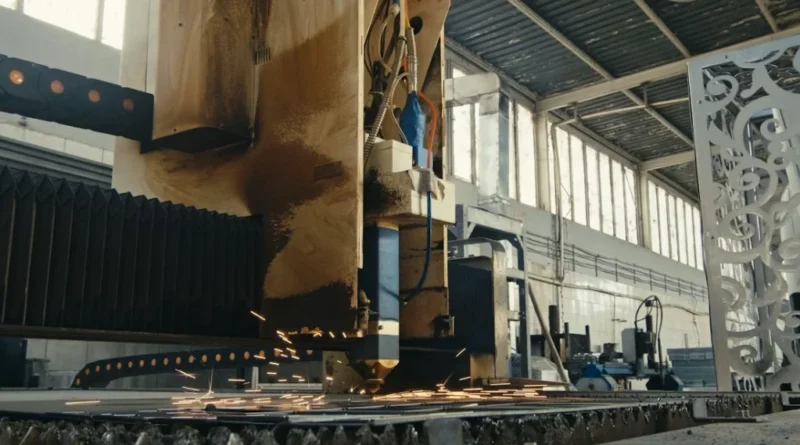
CNC lathe programming stands at the heart of automated turning tasks in fields like aerospace, automotive, and exact parts making. It blends mechanical ideas with digital guidance. This turns shapes into actual movements. When you create a program for a CNC lathe, you go beyond simple code. You shape how raw metal becomes a finished piece with steady accuracy. The reasoning in every command decides if the part fits tight limits or ends up as waste. I recall a shop where a small mix-up in speeds turned good stock into scrap—lessons like that stick.
The Role of CNC Lathes in Modern Manufacturing
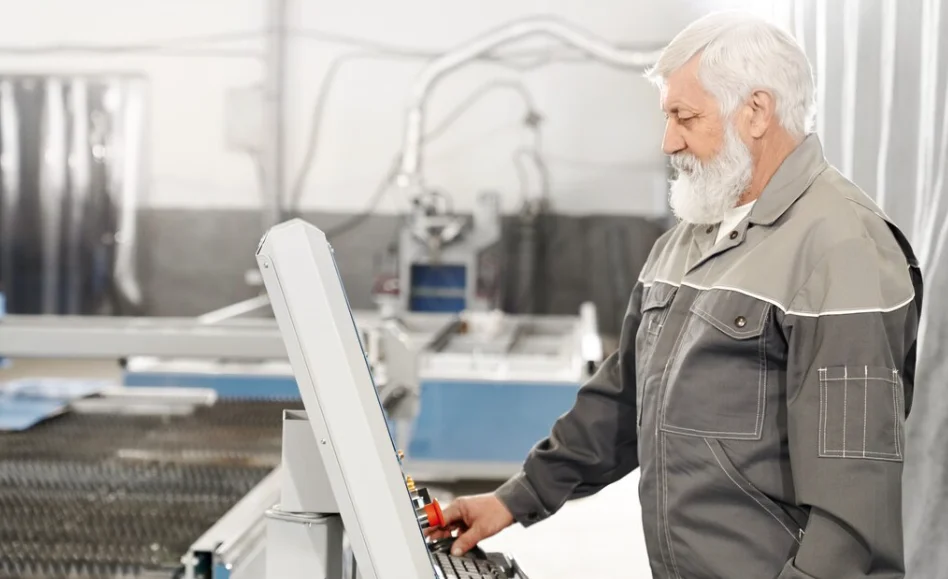
CNC lathes act as the main support for exact turning jobs in current factories. Their automatic features bring steady repeats, sharp precision, and quicker output times than hand-operated lathes. They connect with CAD/CAM setups. This lets digital designs move straight from planning to making without typing data by hand again. Such ties cut down on people mistakes and speed up how products come to life. In big runs, the steady work of CNC systems means you can keep machines going over several shifts with little watching. All this while holding close size control. Think of car parts churning out thousands without a hitch— that’s the real win.
Key Components of a CNC Lathe System
A standard CNC lathe has two primary axes—X and Z. These set its basic movement range. Some newer models add C or Y axes for extra tasks like milling or drilling right on turned pieces. Tool turrets carry several cutting tools. They switch over on their own during the work. Spindles give turning force to the raw material. The control panel reads G-code orders and turns them into exact steps. How these parts link up—the machine’s basic setup—affects both your coding plans and how fast the job runs. In my experience, ignoring that link can slow things down by 20% or more.
The Structure and Logic Behind CNC Lathe Programming
The basic setup and reasoning in CNC lathe programming guide how orders run one after the other. Each line or block in the code gives a single direction. It covers moves, tool switches, or side tasks. A smartly laid-out program cuts well. It also guards tools and stops crashes. Sometimes, folks rush and skip checks, leading to dents—better to take the time upfront.
Program Flow and Block Sequencing
In any CNC lathe code, the lines or blocks come in a clear order to keep things safe. G-codes deal with move orders. For example, G01 does straight-line paths. G02 and G03 handle round routes. M-codes take care of side jobs like starting the spindle with M03 or turning on coolant via M08. Getting the order right matters a lot. A wrong step can lead to tool hits or size errors. Take spindle speed: set it before the tool touches to avoid marks on the start. That’s a basic rule that saves headaches.
Coordinate Systems and Reference Points
CNC lathes depend on coordinate setups to pick starting spots for cutting jobs. Work coordinate systems (G54–G59) place the part’s zero point next to the chuck or holder. Machine coordinates mark fixed spots from the machine’s home base. Tool offsets fix differences in tool size or dulling. This way, every tool cuts true without changing the paths in code. It’s like having a map that adjusts for each traveler—keeps everyone on track.
Mastering Axes Control in Precision Turning Operations
Axes handling sets how well your machine sticks to the planned routes. Knowing how straight and turning moves work together is key for cutting tricky shapes or parts with many sides. I’ve seen simple shafts turn into complex gears just by syncing axes right.
Understanding Linear and Rotary Axes Movements
On basic lathes, the X-axis handles side-to-side shifts near or far from the center line. The Z-axis covers front-to-back travel along the spindle path. If a machine has a C-axis, it turns the spindle by code for added jobs. This includes drilling holes not on the main line or carving words on round sides. Matching these moves is vital for shaping detailed forms like fan blades. Do it wrong, and the finish looks rough—I’ve fixed that more times than I count.
Multi-Axis Programming Considerations
With extra spindles, you can work on both ends of a piece at once. This cuts the total time a lot. A Y-axis adds chances for side milling or cuts without moving the part by hand. Better blending of several axis moves makes smooth joins. This boosts the shine on hard curves. In practice, it might shave minutes off a 10-minute cycle, adding up over a day.
Tool Calls and Management Strategies in CNC Lathe Programming
Handling tools matters just as much as guiding moves in CNC lathe programming. Each step relies on picking the right tool and setting its position data correctly. Skip that, and you’re chasing errors all day.
Defining Tool Calls Within the Program Structure
Tool picks use T-codes. They name the tool number and its offset match—for instance, T0101 picks tool 1 with offset 1. Place these picks in good spots to avoid mix-ups during auto switches. This lowers risks when shifting between tasks. Many new controls have set tool lists. There, shape info stays saved to make changing tools easier. It’s a small thing that keeps setups smooth.
Optimizing Tool Offsets for Accuracy and Efficiency
Shape offsets set where each cutting tip sits compared to the machine’s zero. This keeps all planned sizes steady no matter the tool’s length. Wear offsets tweak tiny shifts from slow edge wear over use. No need to redo code parts. Check and adjust often to hold true cuts across long jobs. Even with new tool sets from different makers, it stays on point. In one run I watched, a quick offset check saved a whole batch.
Utilizing Canned Cycles to Streamline Machining Processes
Canned cycles make repeat cutting jobs easier. They pack many move orders into one line of code. This saves time in shops doing the same parts every day. Not using them feels like reinventing the wheel each time.
Overview of Common Turning Canned Cycles
Usual turning cycles cover G71 for rough cuts that clear big chunks fast before clean-up. G70 wraps up the finish cuts based on the rough shape. G72 does face leveling. G73 repeats patterns. G74 and G75 handle step drilling or slot cuts. Here, clearing chips stops tool snaps. Peck styles work great for deep holes—avoids buildup that clogs things up.
Advantages of Canned Cycles in Production Environments
Canned cycles make codes brief and simple to follow. They give even results over groups of parts. These cycles cut people slip-ups. They handle feed depths and pull-backs on their own. This leads to matching surface looks even when cuts vary a bit. In a busy line, that means fewer rejects and happier customers.
Integrating First-Part Logic into CNC Lathe Programming Workflow
Before starting big production, check that first piece well. This stops big costs from errors later. The check mixes test runs with safe code starts in your CNC lathe programming steps. It’s like proofreading before printing a thousand copies.
The Importance of First-Part Run Verification
Do a no-cut run first. This checks spindle turn way, space gaps, and tool order. Sim tools give fake views that spot crash risks early. You fix them without real harm. I’ve skipped this once—cost a tool and time. Won’t happen again.
Implementing Safe Start Blocks and Conditional Logic Controls
Safe start parts clear old settings at main spots in codes. Machines act steady even after stops or changes mid-job. If-then rules let the system react smartly. For example, it halts if spindle strain gets too high. This guards tools from too much push in long jobs. Add a sensor, and it feels almost watchful.
Advanced Programming Techniques Enhancing Precision Machining Performance
As making shifts to linked digital setups, better programming methods push CNC lathe programming past basic writing. They turn it into smart job handling tied to plant links. It’s evolving fast, with shops adding these for edge over rivals.
Parameterized Programming for Flexibility and Adaptability
Parameterized coding swaps set numbers for changeable ones. Sizes shift on the fly without full rewrites. Great for part sets with like shapes but varied measures. Macro steps do repeat math like thread spacing from probe reads inside the machine. Say you need 50 sizes—change one spot, and it updates all. Saves hours, no kidding.
Data Integration with Digital Manufacturing Systems
New plants tie CNC panels right to MES or ERP tools. This tracks machine state, job steps, and quality stats live. Smart rules check cut info on the go. They tweak feeds when loads change. This keeps things steady over long hauls. It fits Industry 4.0 goals of steady gains from real data on cut speed trends. In one factory, this bumped output by 15% without extra hands.
FAQ
Q1: What does cnc lathe programming involve?
A: It involves creating coded instructions that tell a lathe how to move its tools along defined axes to cut material into precise shapes according to design data from CAD models.
Q2: Why are coordinate systems important?
A: They establish consistent reference points so every operation aligns correctly regardless of fixture changes or multiple setups across machines.
Q3: How do canned cycles help machinists?
A: They simplify repetitive tasks like roughing or facing by combining several motion steps into one command line saving time while improving consistency between parts.
Q4: What is first-part logic used for?
A: It’s used during initial setup verification ensuring all parameters such as offsets paths speeds are correct before full-scale production begins reducing scrap risk significantly.
Q5: How does parameterized programming improve flexibility?
A: It allows quick updates through variable inputs meaning you can adjust part dimensions automatically without editing hundreds of individual code lines manually each time specifications change.