
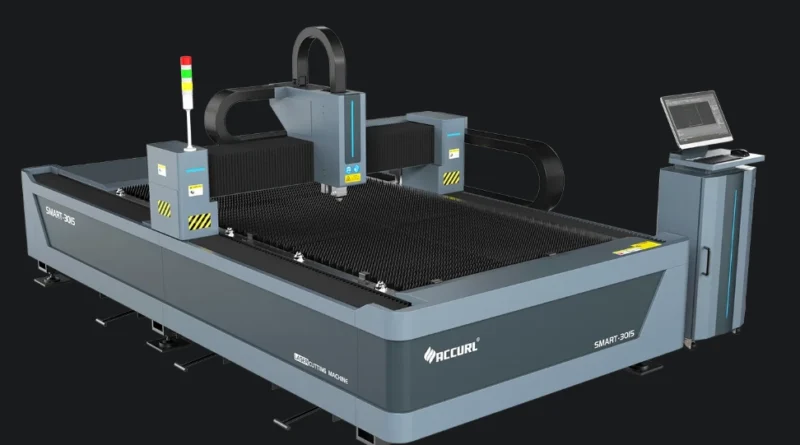
How CAM Software For CNC Integrates Toolpaths Simulation And Post Processing
The Integration Framework of CAM Software for CNC
Computer-Aided Manufacturing (CAM) software for CNC has grown into a tightly linked setup. In this setup, design data, machining steps, and actual work come together without hitches. Picture it like the central wiring in today’s digital factories. Each part talks to the others with exactness. This turns CAD models into real objects. The integration framework shows how toolpaths, simulation, and post-processing work side by side. They aim for smooth, correct machining.
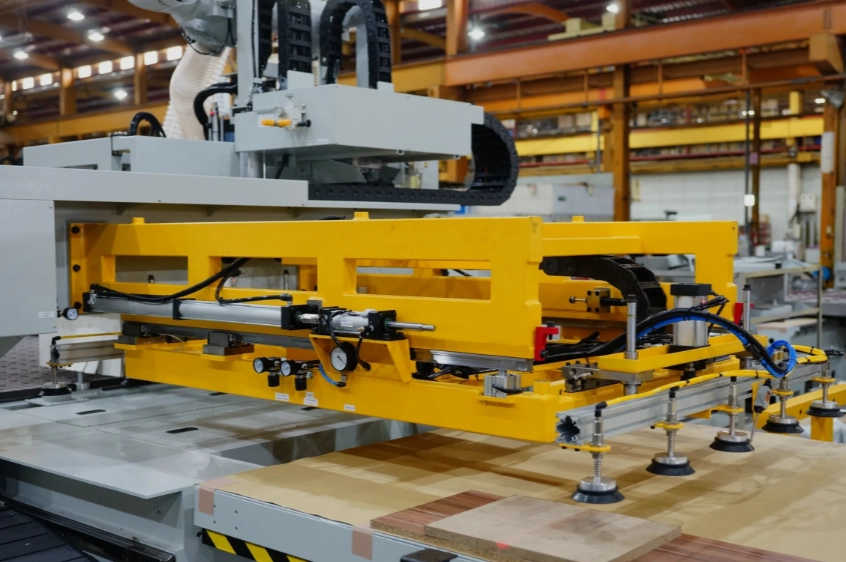
The Core Components of CAM Systems
In a usual workflow, CAM software links CAD design to CNC machining. It changes shape data into instructions the machine can read. The key parts include toolpath generation, simulation, and post-processing. These run one after another. Yet they all use the same data setup. Toolpath generation sets movement patterns from the shapes. Simulation checks those movements in a make-believe area. Post-processing turns them into G-code that fits certain machines.
The way data moves between these parts relies on shared rules like STEP-NC. Or it uses company-specific links. These keep things steady in position systems and cutting details. When all parts share the same info, errors from switching drop. Repeatability gets better across various machine types. I’ve seen shops where this setup cut down setup time by half. It’s practical stuff.
The Role of Toolpath Data in the Integration Process
Toolpath data stands right in the middle of this whole process. It shows not just the cutter’s path. It also shows the plan for removing material bit by bit. Each piece holds shape and movement details. Things like feed rates, spindle speeds, and axis matching must stay the same as data passes along.
Keeping things exact during changes matters a lot. Tiny math slip-ups or unit mix-ups can lead to off-target results. These affect how close things fit or how smooth surfaces turn out. Better CAM systems use high-accuracy math to hold onto details. They do this through every shift from model to code. In one project I recall, a small unit error almost scrapped a batch of parts. Close calls like that highlight why precision counts.
Toolpath Generation in CAM Software for CNC
Before simulation or post-processing starts, you need to create a solid toolpath first. This step decides how well a part gets made. It affects time to finish, tool wear, and end quality directly.
Strategies for Toolpath Creation
Today’s CAM systems give choices for toolpath plans. These include adaptive clearing, trochoidal milling, and high-speed machining (HSM). Adaptive ways change the step width on the fly. They keep tool load even. Trochoidal routes cut down side contact. HSM routes hold steady chip size for heat management.
You pick these based on part shape, material toughness, and machine traits. For example, aluminum pieces do well with fast spiral routes. Titanium parts might need adaptive roughing to handle heat. Cutter shapes matter too. Ball-nose versus flat-end ones change things. Feed rate tweaks help tool last longer and surfaces stay nice. Shops often test a few options on scrap to see what works best in their setup.
Algorithmic Foundations Behind Toolpath Computation
Behind these plans sit tricky math methods from shape computing. Offset lines shape edge routes. Delaunay triangulation helps with grid planning. NURBS surfaces lead to even motion shifts. Crash checks watch tool contact with stock shapes. They stop digs or extra cuts.
Some new CAM tools add smart help for tweaks. This uses past jobs or rules from skilled workers. Live re-dos let changes happen when cutting shifts from plans. This grows key in setups with many axes. Think about a five-axis job where one tweak saves hours. That’s the real win.
Simulation as a Validation Layer in CAM Integration
Simulation serves as a backup check before costly real runs on machines. It shows how toolpaths act under true movement limits.
The Function of Machining Simulation in Workflow Validation
A machining simulation gives a pretend view of the full job. It covers spindle turns to axis teamwork. All this happens before the real start. It spots possible crashes between tools, holders, or parts. These could waste time or break gear otherwise.
More than crash spots, top simulators copy machine movements. They match axis bounds, speed builds, and turntable acts. This makes sure screen plans fit what the machine really does. In practice, I’ve watched sims catch a rotary limit issue that would have jammed a $10,000 tool. Saves headaches every time.
Linking Simulation Feedback to Toolpath Refinement
Simulation outcomes do more than check. They loop back for fixes in linked CAM setups. If gaps show between pretend results and goal shapes, changes happen. These can be auto or by hand review.
In digital twin setups, simulation predicts ahead. These twins copy real machine states with sensor info. So a shift in shake or heat can spark feed or speed updates during work. This closed loop turns fixed plans into flexible making. It’s like having a watchful eye that adjusts on its own.
Post Processing: Translating Toolpaths into Machine Instructions
After simulation checks, toolpaths turn into machine talk. Post processors handle this. They shape basic moves into G-code for each CNC control.
The Purpose and Structure of Post Processors
A post processor works like a translator from plain toolpath info to machine words. Its patterns set how spots get written, which switches run coolant or routines, and how many-axis moves get said.
Tailoring fits because controls differ. Fanuc, Siemens, Heidenhain each need their own word styles. Many-axis links add steps. Turn changes must keep tight ties between straight axes. This way, the tool end stays on target through move chains. Custom posts often take a day to tweak right, but they pay off in smooth runs.
Ensuring Accuracy During Post Processing Integration
While shifting from plain data to run code, shape truth stays vital. Right movement mapping makes each turn or lean match pretend paths exactly.
Machine rules like turn range or shift spots get built in auto in good post processors. Check tools line up made G-code with sim moves step by step. They confirm matches before shop use. One mismatch I saw once led to a part off by 0.5mm. Double-checks prevent that.
Synchronizing Toolpaths, Simulation, and Post Processing in Modern CAM Systems
Current linked platforms seek smooth teamwork across steps. From path starts to code checks, they use one data store for all details.
Data Consistency Across All Stages of the Workflow
One data store lets every CAM software for CNC part grab shared details like feed rates or cutter sizes. No repeat slip-ups happen. Change tracking notes updates. So design tweaks spread quick to sim and post outputs.
Linked spots beat solo tools. They skip hand re-loads between steps. That’s a big error spot with mixed company software. In a team setup, this means less back-and-forth emails about version mismatches.
Automation and Feedback Loops in Integrated CAM Environments
Auto work now goes past path making into steady check circles over parts. If sim spots waste like too much empty moves or shake risks, fixes roll back auto. No need for hand work.
Smart post processors shift on the fly with front changes. They update spot frames or trim back moves auto. Learning tech boosts this by checking old job data. It guesses best setups over time. This shift changes shop programming from daily grind to smarter flow. Sometimes it feels like the software knows your shop better than you do after a while.
Future Directions in CAM-CNC Integration Technology
The road ahead leads to closer ties between plan spaces and real CNC runs. Cloud links and smart tech drive this.
Emerging Trends Enhancing Workflow Cohesion
Cloud-based CAM software for CNC lets team work on projects at once. Location doesn’t matter. Updates stay in sync over gadgets. IoT-linked CNC machines send live info back to CAM spots. This builds adjust loops from spindle weight or heat shifts.
Links to ERP/MES systems widen views past machining. They cover full making tracks. From raw goods in to last checks out. All tied by one digital line. Imagine a factory where a design tweak in one office updates the machine floor in seconds. That’s the goal.
Advancements in Simulation Fidelity and Post Processing Intelligence
Smart predictive sims now guess bends under live loads. They go beyond still models for true cut truth. Clever post processors self-adjust shifts after tool reads from machines. This cuts hand setup big time.
As digital twin setups grow, full auto flows appear. Design shifts spark new path re-makes, sim updates, post outputs. All get virtual okay before any cut starts. This tight link was once a dream. Now it’s close for top makers around the world. With numbers like 20% faster cycles from these tools, it’s hard to ignore the shift.
FAQ
Q1: What makes CAM software for CNC integration essential?
A: It joins design goals straight to machine work. This makes easy shifts from CAD models to checked G-code. It cuts human slip-ups in change steps.
Q2: How does simulation improve machining reliability?
A: It finds crashes, checks axis bounds, and proves move works before real cuts start. This saves time and gear costs.
Q3: Why is post processing customization important?
A: Each CNC control reads words different. So fitted post processors make sure clear talk from software paths to hardware acts.
Q4: Can AI really influence modern toolpath generation?
A: Yes. AI checks past cut acts. It guesses good routes and shifts feeds live. This cuts finish times without losing quality.
Q5: What’s next for integrated CAM-CNC workflows?
A: Look for cloud team work, IoT links, digital twins. They build self-fix auto setups. These tie every step from design to make watch without stops.